
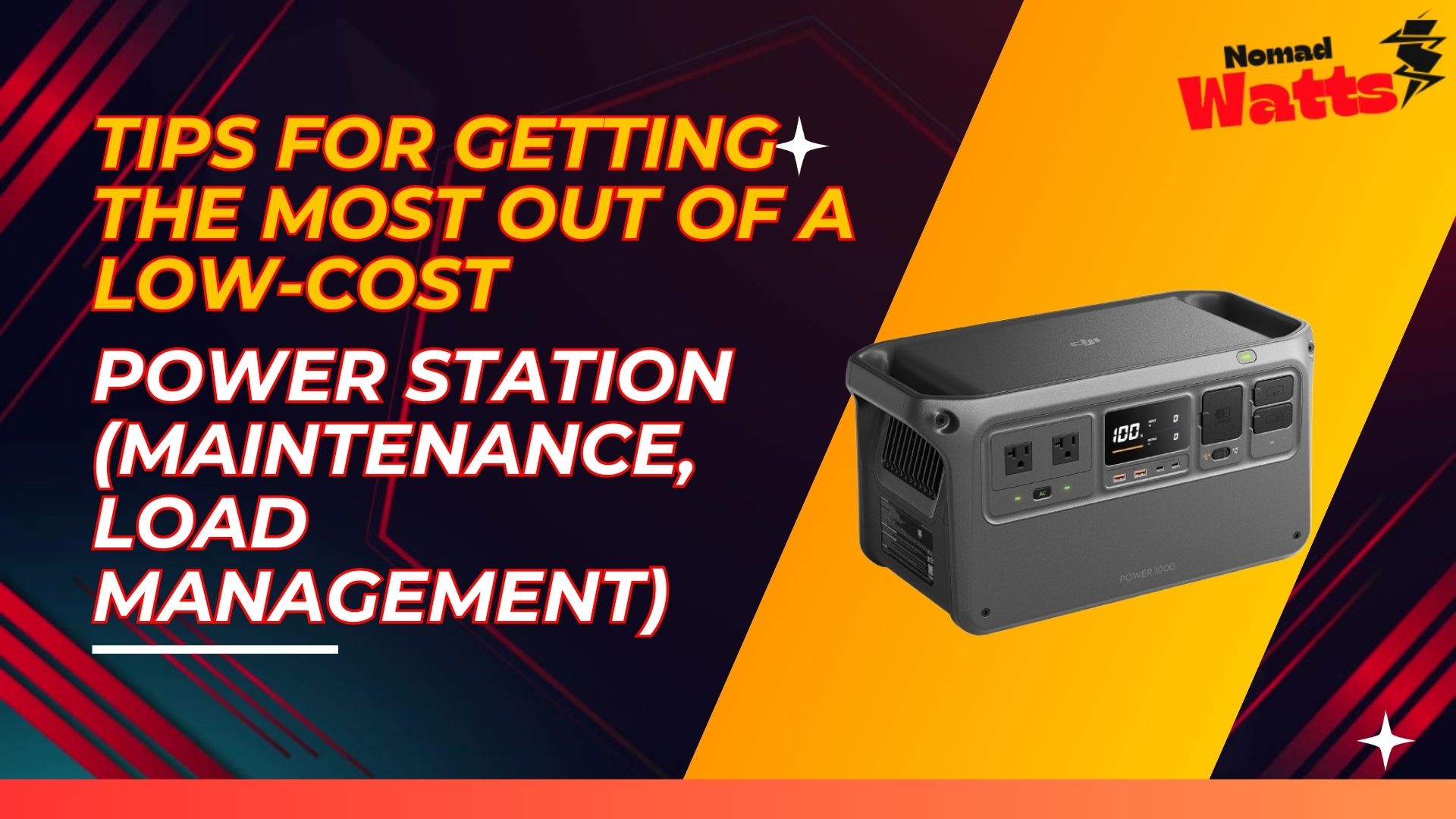
So you’ve snagged a budget-friendly portable power station – great! To ensure it serves you well, there are a few strategies to keep it in top shape and make the most of its limited capacity. This informational guide provides tips on how to maintain your low-cost power station (so it lasts as long as possible) and how to manage your power loads for maximum efficiency. Even a cheap power station can punch above its weight with the right care and usage habits.

Contents
Battery Care 101 – Extending the Life
- Avoid Deep Discharges Regularly: If your unit uses Lithium-ion (NMC) cells (likely, if it’s low-cost), try not to drain it completely to 0% all the time. These batteries age faster with full cycles. Ideally, keep it above 20% if you can. If you only use, say, 50% of it and then recharge, you’ll get more total cycles over its life. Obviously, in an emergency use all you need – that’s fine – but day-to-day, partial cycling is gentler.
- Charge it regularly, but don’t overcharge: Most modern power stations have a BMS that stops charging at 100% properly, so overcharge isn’t a big worry if you leave it plugged in occasionally. However, storing it at 100% for long periods can stress the battery chemistry. If you are storing it, many manufacturers suggest storing around 50-80% charge for long term. Check the manual. Maybe every 3-6 months, top it off a bit.
- Keep it Cool (and Dry): Heat is an enemy of batteries. Don’t leave your power station in a hot car trunk in summer or in direct sun. Room temperature storage is ideal. Also, while many can operate at up to 104°F (40°C), you’ll prolong life by using it in cooler conditions if possible. Conversely, don’t use or charge it below freezing (32°F/0°C) unless it specifically says it has low-temp charging protection; lithium batteries can be damaged if charged when below 0°C. Let it warm up first.
- Use it or Exercise it: Don’t just leave the unit sitting for years unused. It’s good to cycle it at least every few months. Charge it up, use it to power something for a while, then recharge. This keeps the battery active and the calibration (the meter accuracy) in check. Some device management systems need a full charge/discharge occasionally to calibrate percentage readings.
- Avoid Overloading it: Pushing the inverter to its max repeatedly can strain components and battery (due to high discharge current). If you have a 100W inverter and you continuously run 100W, the internal heat will be higher, fan running etc. If possible, run at say 70-80W instead of 100W continuous; it might extend the device’s life a bit (less heat = longer life for electronics). Definitely avoid plugging in something over spec, as that can cause abrupt shutdowns. The BMS should protect it, but no need to stress test it unnecessarily.
Smart Load Management – Stretching Limited Capacity
- Prioritize and Schedule Devices: Since you can’t run a lot at once on a small station, prioritize essential loads. Maybe charge your phone first (which takes 10-20W), then after that’s done, use the AC outlet for your laptop. Staggering loads ensures you’re not peaking the inverter and also some devices (like charging batteries) are more efficient when not sharing output. Many stations show watt output – manage to keep it in a reasonable range rather than all devices at once. This way, each device charges a bit faster too.
- Use DC Outputs When Possible: As mentioned earlier, using the DC car port or USB outputs is more efficient than using AC (which has to invert power). For example, if you have a 12V fan or a car charger for your laptop – use those instead of plugging the 120V AC brick. The direct DC-DC conversion wastes less power. Similarly, use the USB ports for phone/tablet instead of plugging in their wall charger to the AC. Every bit of saved energy counts when you have limited watt-hours.
- Mind the Inverter Idle Drain: When the AC inverter is on, even if nothing is plugged in, it draws some power (to stay ready producing a sine wave). On small units, this can be like 3-10W of constant draw. So, turn off the AC outlet when you’re not actively using it. For instance, charge your laptop, then if you take a break and nothing needs AC, switch off AC output (most have a button for AC on/off). Use DC outputs which often have almost zero idle drain by comparison.
- Leverage Solar Charging if Available: If your unit supports solar input, a small solar panel (50-100W) can effectively extend runtime during daytime. For example, if you’re camping, you could be charging the power station while simultaneously running a fan or music. The solar might offset a lot of that use. Make sure to orient the panel well and keep expectations – cheap units often cap solar at around 50W input, but that could double your available power over a sunny day easily. Just remember to use the correct adapter and follow its solar voltage limits.
- Know Your Device Consumption: It helps to know roughly what each gadget draws so you can plan. For example:
- Phone charger: 10-20W while fast charging.
- LED camping light: maybe 5W.
- 12V fan: maybe 10-15W on low.
- Laptop: 30-60W.
- Mini projector: ~30-50W.
- CPAP no humidifier: ~30-60W (with humidifier 90W+ which might be tough on a small unit).
Once you know these, you can gauge how long you can run them (Battery Wh / device W = hours, roughly). Then you can avoid draining it unexpectedly. For instance, if you need a fan all night (8 hours) and it’s 10W, that’s 80Wh – so your 150Wh battery can handle that (with 70Wh to spare for other stuff). But if you tried a 30W device for 8 hours, that’s 240Wh, which your battery can’t even do – so you’d plan not to run that so long or charge in between.
- Utilize Power Saving Modes on Devices: Turn down brightness on laptops, put phones in airplane mode while charging (they’ll charge faster with screen off and no background drain). If using a DC fridge or cooler, keep it in shade and pre-cool contents so it runs less. Basically, anything to reduce the watts each device pulls means more total time running off your power station.
For example, many CPAP machines have a humidifier heater that draws a lot. If you’re on battery backup, turn the humidifier off or down – people report a CPAP that would normally kill a small station in 4 hours can last 8+ hours without the humidifier because the draw drops significantly. (Always check with your doctor if needed for medical, but in pinch, prioritizing core function over comfort can double runtime).
- Don’t Use Inverter for Tiny Loads Overnight: If you just want a bit of light or to charge a phone overnight, try to use the DC outputs. Some power stations have an “auto-shutoff” feature where if load is under like 5W for a few hours, they turn off to save power. That can be annoying if you wanted it to stay on. If yours does that (check manual), one trick is to plug a small constant load like a 12V light that draws just above the cutoff. But that wastes power. Instead, maybe just use a USB lantern or something directly.
Alternatively, some have an “always on” mode you can enable via an app or a double-button press (Bluetti has “eco mode” you can toggle). On cheaper ones, you might not have that. So be aware: extremely small AC loads might not even register and the inverter may turn off. If, say, you want to run a single 1W LED nightlight from AC, better to use a USB light or battery lantern in that case.
Storage Maintenance:
When you’re not using the station: – Store it in a cool, dry place, partially charged (as mentioned). – Every 3-6 months, check the charge level. Top it up if it has self-discharged below ~50%. Batteries self-discharge slowly, but over many months it could drop. – For lead-acid based units (rare in small portables, more in large ones), you absolutely need to keep them topped off; but for lithium, it’s fine to store at partial charge.
Be Gentle with Ports:
Cheap units sometimes have cheaply mounted ports. Avoid yanking cords out harshly or wiggling them too much. If you break a port off the circuit board, that’s hard to fix. Similarly, only use the provided charger or correct specs for input; don’t feed it a higher voltage hoping to charge faster – that could trigger protections or damage it.
Know When to Upgrade:
If you find yourself constantly bumping against the limits of your budget power station – like you really need more capacity or power – consider that it might be worth investing in a larger or higher-quality one. You can certainly daisy-chain usage (charge this one from wall while using it on something), but there’s only so far you can stretch it. Sometimes getting a second unit or a bigger one is the answer. However, until then, these tips will help you squeeze what you can out of your current device.
By following these maintenance pointers and smart usage techniques, you’ll not only extend the lifespan of your low-cost power station, but also get the maximum practical use out of each charge. It’s all about working within its means: treating the battery kindly and allocating its power wisely. Do that, and you’ll find even a budget power station can be a reliable little workhorse for your off-grid or backup needs over time.